Mystery Garden Bug Pixel Art Color by Number Coloring Page
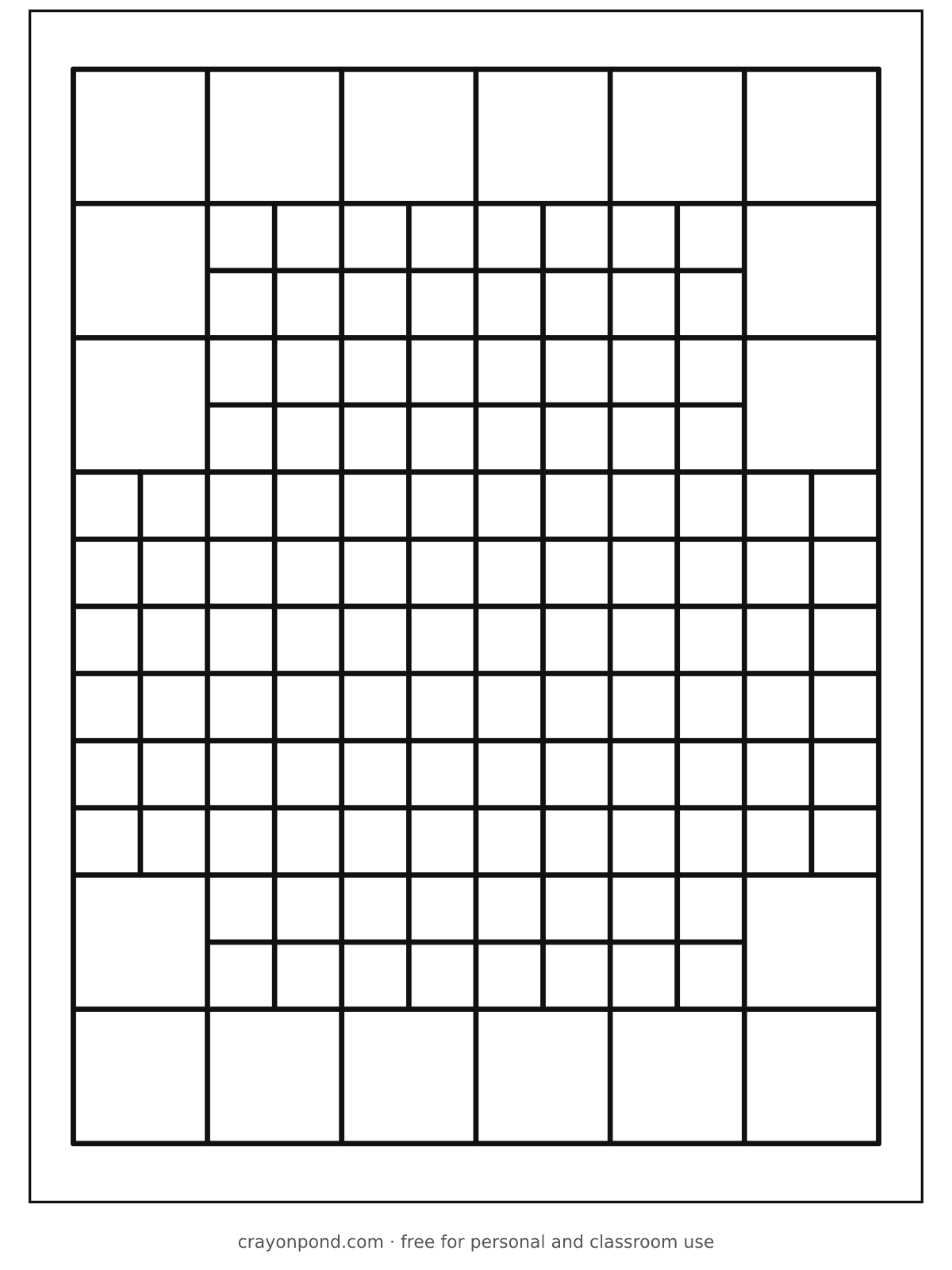
A little garden visitor is hiding in the grid. Color by number to meet it.
139 areas to color. Pick a color, then tap an area.
How to color by number
- Pick a color in the color bar. Every area with that number lights up.
- Tap the lit areas to fill them in. A green dot on a color means it is done.
- Not sure? Tap the area anyway. If it needs another color, that color flashes.
- On paper instead? tap Print with numbers on this page, find each number in the key and color all its areas.
It prints at the top, like “Mia’s Mystery Garden Bug Pixel Art Color by Number”. It stays on this device.
Blank page: outlines only, for crayons and markers. With numbers: light grey numbers and the color key, for color by number on paper. To print the colors you added on screen, use Print my coloring under the picture.
Download the PDF: blank · with numbers
- Difficulty
- Detailed
- Good for
- Ages 6 and up
- Areas to color
- 139
- Colors in the key
- 4
- Paper
- US Letter or A4
- Added
About this page
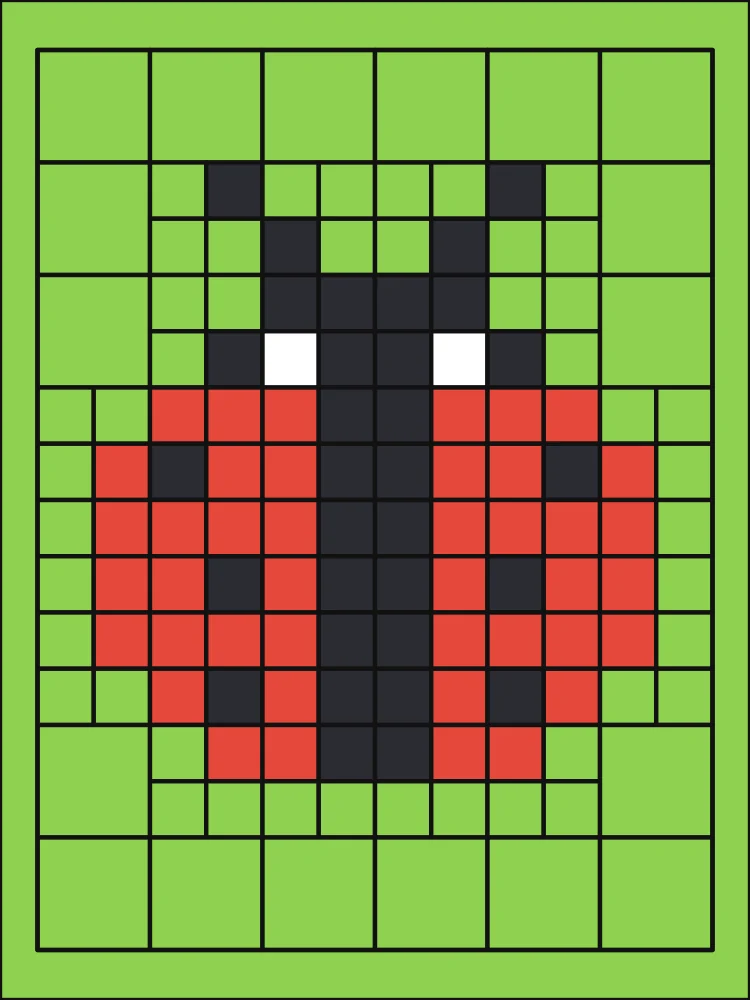
With only four colors this page is quick to follow, but the small squares in the middle hold a lot of detail: two feelers, two eyes and a pattern of dots.
A dark line runs straight down the center of the hidden shape, splitting it into two matching halves.
Drawn by a computer program for exact symmetry.
Coloring ideas
- Color every 2 before any 4, and the spots and feelers appear first.
- A shiny red marker makes the finished picture look glossy.
Show the answer
Color-by-number key
Tap Color by number above the picture to color it on screen, or Print with numbers to color it on paper.
- 1Leaf green
- 2Black
- 3White
- 4Ladybug red
 Butterfly Flying over FlowersEasy, 26 areas
 Mystery Farm Animal Pixel Art Color by NumberDetailed, 103 areas
 Mystery Space Pixel Art Color by NumberDetailed, 109 areas
 Mystery Pet Pixel Art Color by NumberDetailed, 118 areas